Create the project boundary
Sign in with a super_admin credential. Global workspace creation requires this role; workspace administrators operate within their assigned workspace.
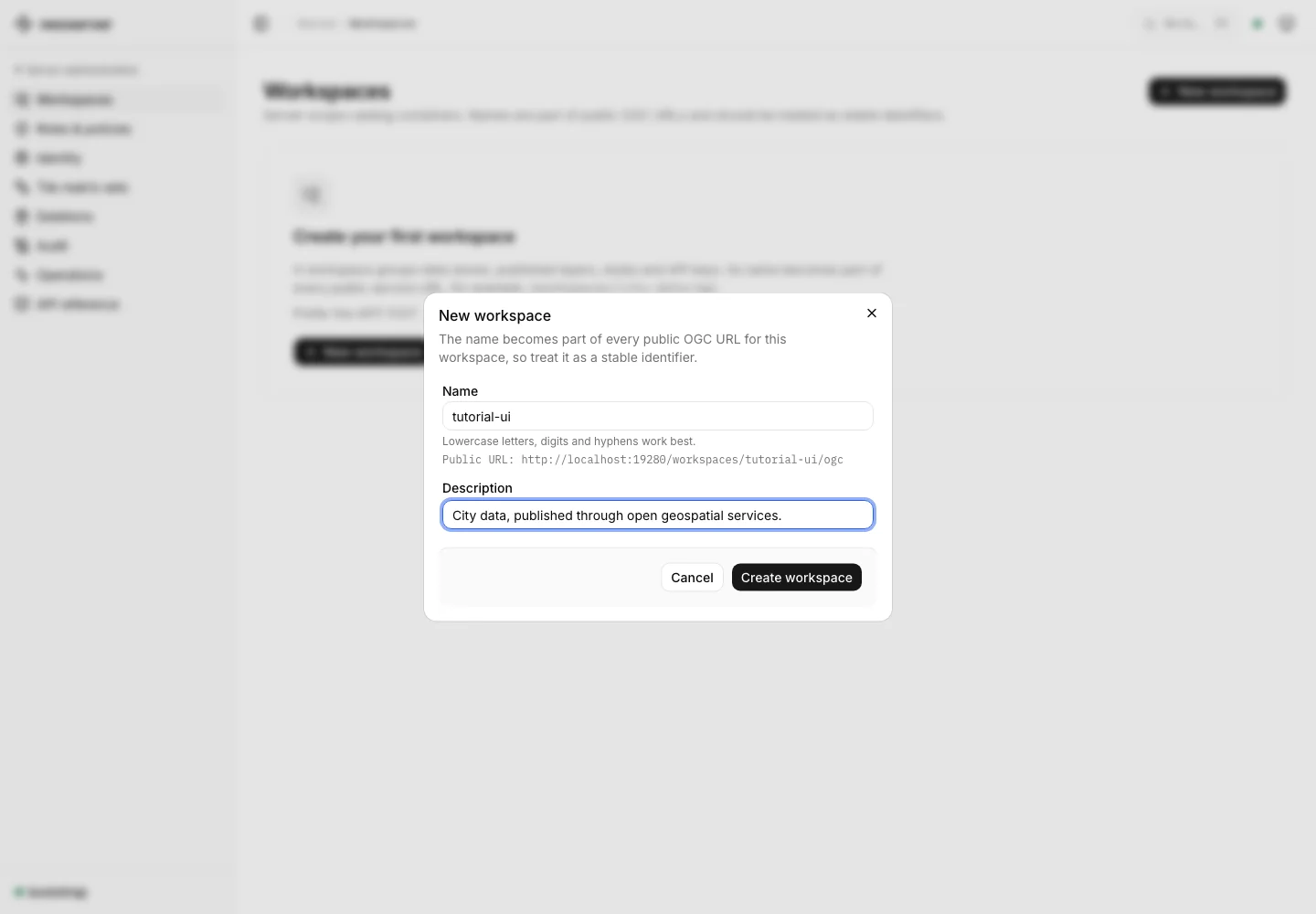
- Open the workspace list and choose New workspace.
- Enter
tutorial-uias the Name and add a description. - Choose Create workspace.
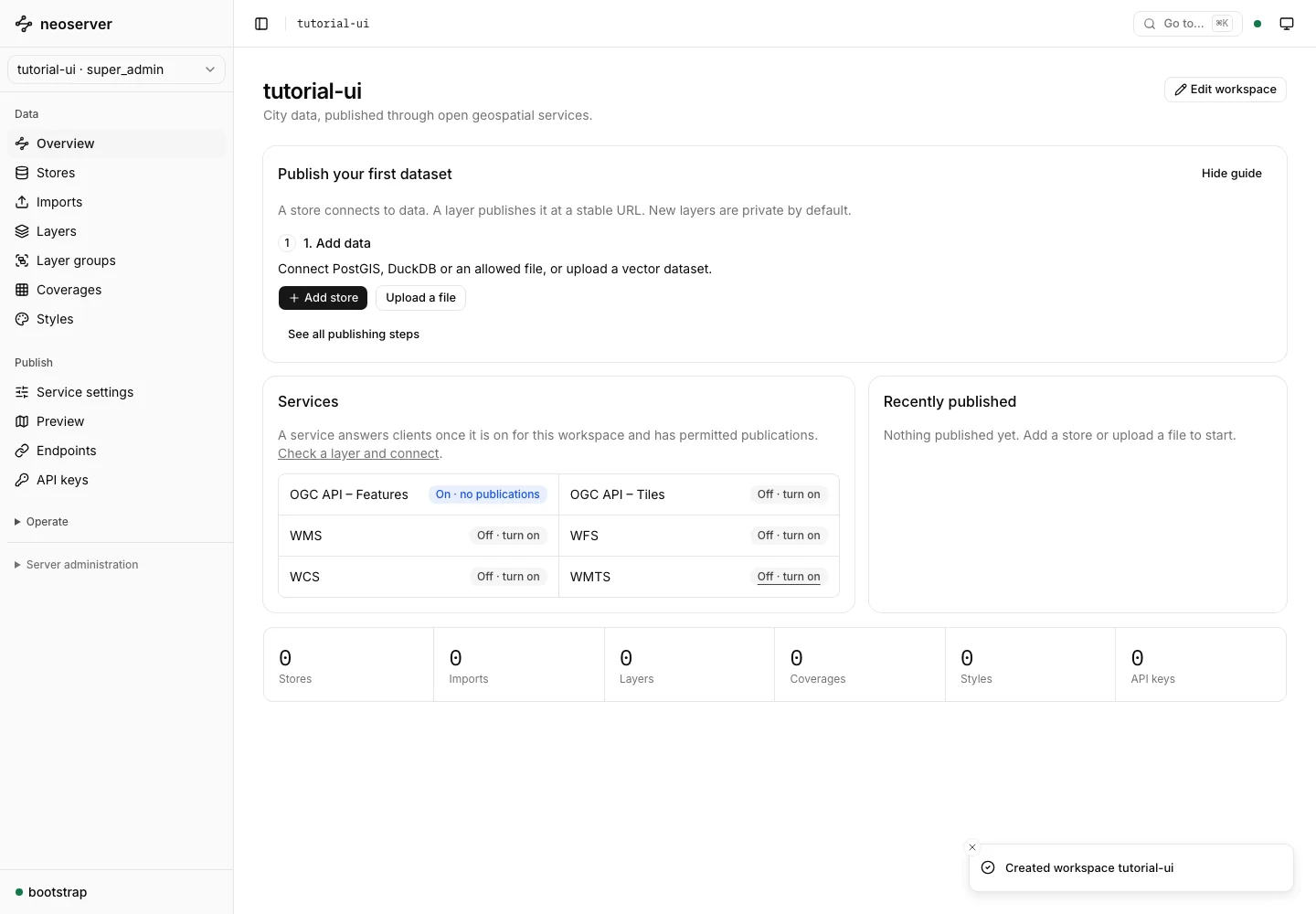
The console opens the new workspace. Its Publish your first dataset guide links to connecting or uploading data, publishing, previewing, and configuring client access.
What belongs to a workspace
Stores, layers, coverages, styles, keys, claim mappings, and OGC service settings are scoped to the workspace. Changing a service title in one workspace does not change the other workspaces.
The publishing guide can be hidden and restored without changing data. After publication, Review publishing guide reopens the steps.
Choose the next step
- Connect a PostGIS store when the data already lives in a database.
- Upload a file when managed imports are enabled.
- Configure workspace services for the clients you plan to use.
Delete with care
A workspace with dependent resources cannot be deleted as an empty resource. Review the dependency plan before confirming recursive deletion. Follow any asynchronous deletion operation to completion, and distinguish catalog removal from deleting source data. See referentially complete deletion.